"Telemedicine & Virtual Consultations"
Last updated: 21 August 2026
2 min read
Telemedicine & Virtual Doctor Consultations
EMR Ghana includes a native WebRTC Telemedicine module that allows doctors and medical specialists to conduct remote virtual consultations directly inside the hospital management system.
Watch Video Tutorial
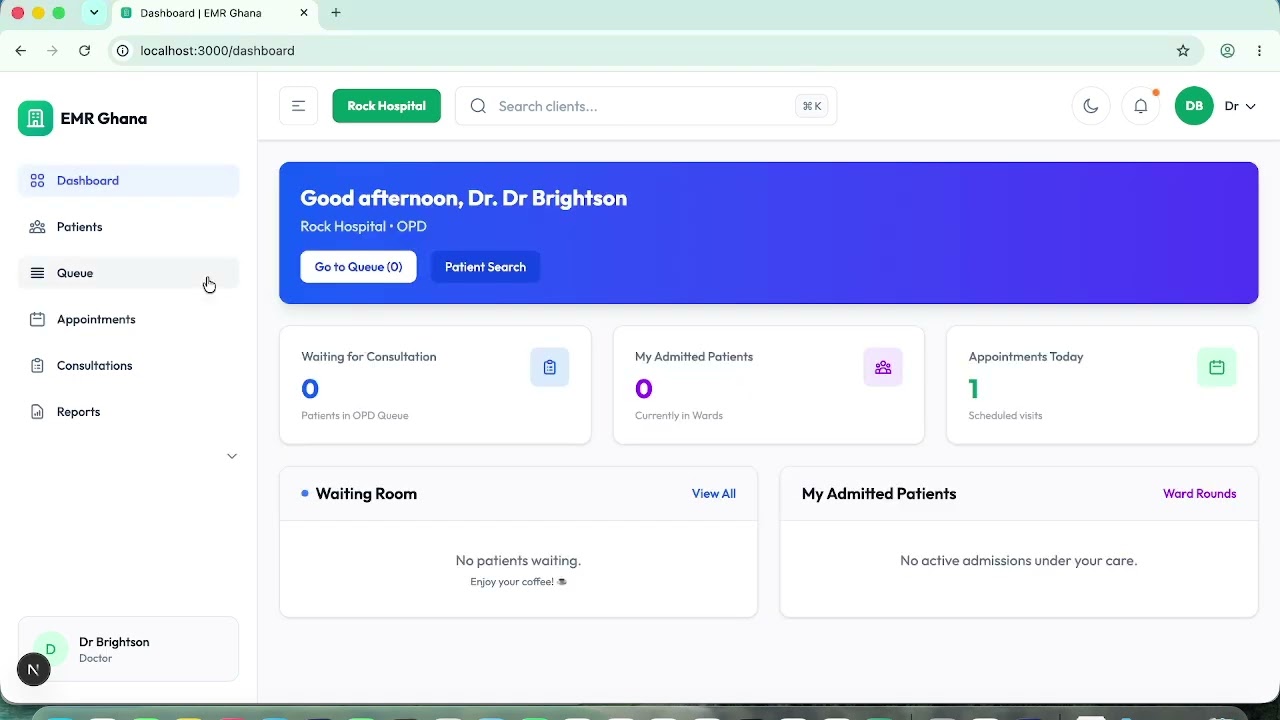
Video GuideTelemedicine in Ghana: Booking, Patient Portal Check-In & Live Video Consultation | EMR Ghana
YouTubeEMR Ghana Official Walkthrough
Telemedicine in Ghana: Booking, Patient Portal Check-In & Live Video Consultation | EMR Ghana
Key Steps for Clinicians
1. Locating Virtual Patients on the OPD Queue
- In the OPD Consultation Queue (
/consultations/opd), patients who booked remote sessions are tagged with a purple badge: 📹 Telemedicine. - Telemedicine appointments bypass the physical triage vitals lock, allowing clinicians to begin the call immediately.
2. Entering the Video Room
- When opening a patient's consultation file, click Launch Video Call.
- The doctor enters the encrypted WebRTC room. The patient connects from their mobile phone or laptop browser via their secure appointment link.
3. Split-Screen SOAP Documentation
- The left/top pane displays the high-definition video feed.
- The right/bottom pane provides full access to:
- Past Medical History & Allergies
- SOAP Clinical Notes (Subjective, Objective, Assessment, Plan)
- Codified ICD-11 Diagnosis Selector
- Electronic Prescription (E-Rx)
4. Completing the Virtual Encounter
- Click End Video Call and Complete Consultation.
- Prescriptions are routed instantly to the hospital pharmacy for packaging and pickup or courier delivery.